
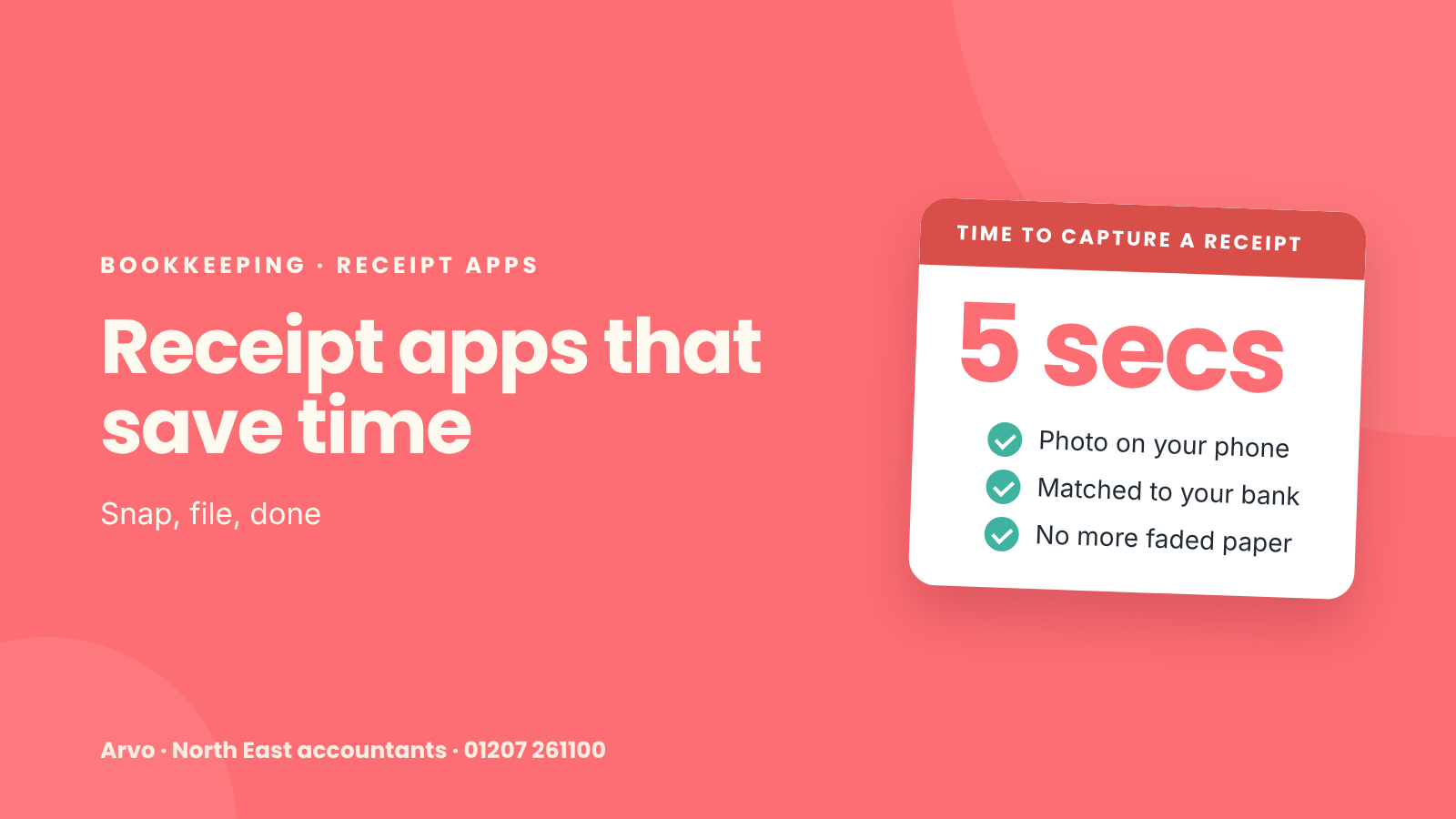
Paper receipts fade, get lost and pile up in the van. Receipt apps solve that, and they make bookkeeping much quicker.
How they work
You take a photo of a receipt on your phone, or forward an email receipt
The app reads the supplier, date, amount and VAT
It sends the details to your bookkeeping software
The software matches it to the payment in your bank feed
Popular options
Hubdoc, which comes included with many Xero subscriptions
Dext, which works with Xero, QuickBooks and others
AutoEntry
The receipt capture built into QuickBooks and FreeAgent apps
Most do a similar job. The best one is usually whichever fits your software and is easiest for you to use.
What to look for
Works with your bookkeeping software
Reads VAT correctly if you're VAT-registered
Lets you forward email receipts
Stores an image of each receipt
Does HMRC accept digital receipts?
Yes. A clear digital copy is fine, and you don't need to keep the paper version. That's one less box in the loft.
A simple routine
On the day: snap the receipt before you leave the till
Weekly: check the app has matched everything to your bank
Monthly: chase any missing receipts
Getting ready for Making Tax Digital
Digital records will become compulsory for many sole traders and landlords from April 2026. Getting into the habit now makes the change much easier.
Related reads
How Arvo can help
We can recommend and set up a receipt app that suits your business, connect it to your software and show you how to use it.
Find out more about our bookkeeping and Xero service.
Get in touch to arrange a free, no-obligation chat, or call us on 01207 261100.