
Your tax code tells your employer or pension provider how much tax to take from your pay. If it's wrong, you could be paying too much, or too little, for months without knowing.
Where to find it
Your tax code is on your payslip, and in the HMRC app or your personal tax account online. It's worth checking every time you start a new job, get a pay rise or have a change in your circumstances.
What it means
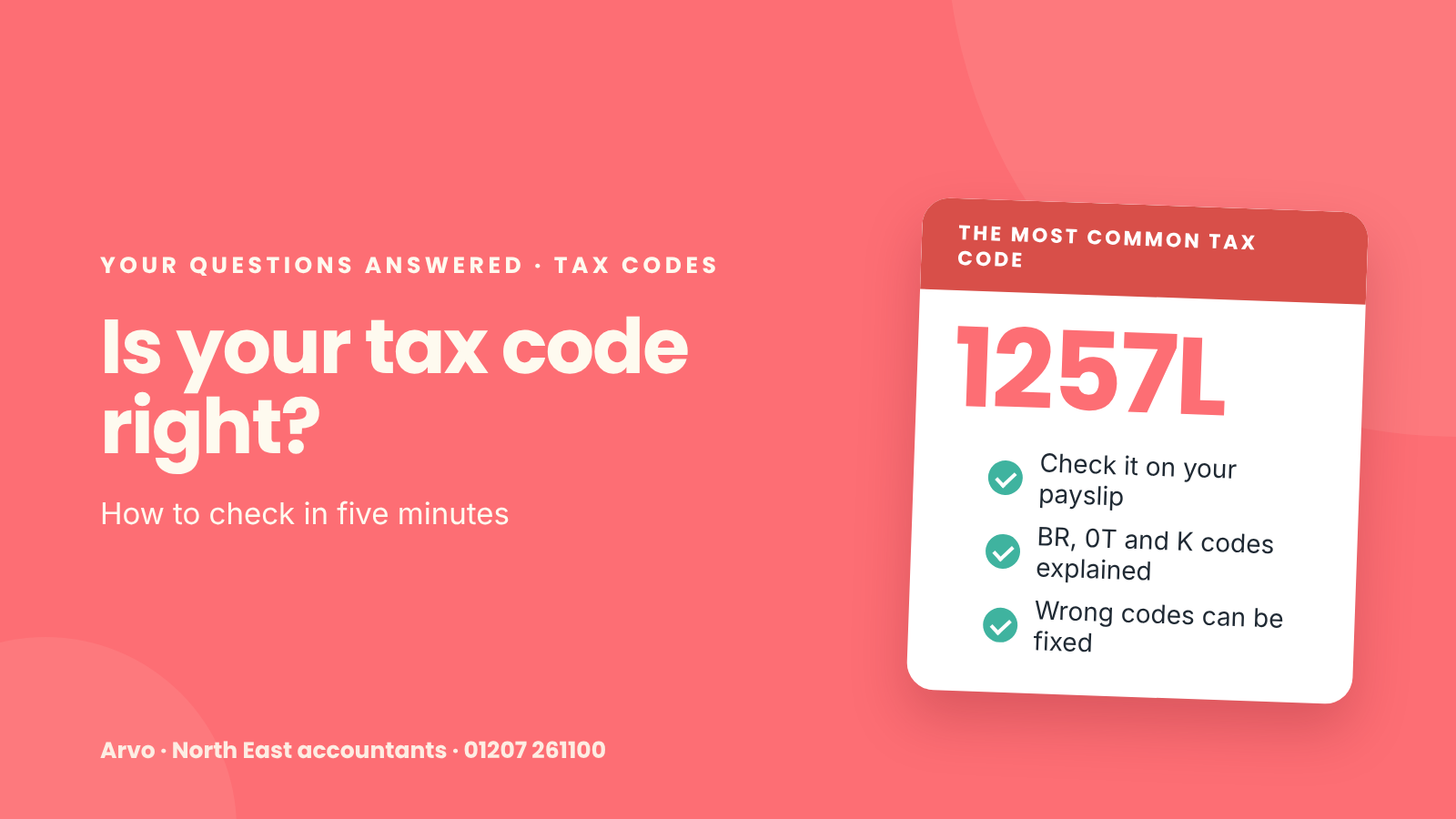
1257L is the most common code. The number is your tax-free Personal Allowance (£12,570) with the last digit removed. The L means you get the standard allowance.
Other common codes:
BR: all your income from this job is taxed at the basic rate. Often used for a second job.
0T: no tax-free allowance at all. Often a sign HMRC doesn't have enough information.
K codes: you owe tax on something, like a company car or unpaid tax, that's more than your allowance.
W1, M1 or X: an emergency code, used until HMRC has the right details.
Why it might be wrong
you've started a new job and your employer didn't have a P45
you have two jobs and your allowance is split the wrong way
HMRC thinks you have a benefit, like a company car, that you've given up
HMRC is collecting tax from an earlier year
What to do if it looks wrong
Check the details in the HMRC app or your personal tax account. You can update things like your income or benefits there, or contact HMRC. Your employer can't change your tax code themselves.
If you've overpaid, you'll usually get it back through your pay or as a refund.
How Arvo can help
We're a local accountancy practice in Stanley, County Durham. If your tax code doesn't look right, or you have income from several sources, we'll check it and deal with HMRC for you.
Get in touch to arrange a free, no-obligation chat, or call us on 01207 261100.